

For reliable automated import and reconciliation, request your end-of-period CAMT.053 (ISO 20022) XML statement. MT940 and CSV still work as fallback options when your bank or accounting software hasn’t caught up. Start by downloading a past-period CAMT.053 export from your bank’s portal and testing it in your accounting system before you commit to it as your standard workflow.
TL;DR:
- Switching to CAMT.053 greatly improves automation, but many banks still issue MT940 or CSV files during migration, requiring fallback options.
- For effective import, always test CAMT.053 files from a past period using UTF-8 encoding, proper currency codes, and complete identifiers like EndToEndId before full adoption.
- Structured remittance and reference data in CAMT.053 enable almost full automation, while MT940’s free-text fields often demand manual review.
- Automated matching in accounting systems relies heavily on fields like EndToEndId and booking dates; missing data increases manual work.
- Starting with a pilot over 30-90 days on one account helps verify match rates and field population quality before full workflow transition.
Table of Contents
- Common Bank Statement Formats You’ll Encounter
- Inside CAMT.053: The XML Elements That Drive Automation
- MT940 vs CAMT.053: What Actually Changes for Reconciliation
- How to Prepare a Bank Statement File for Import
- How Accounting Systems Match Imported Entries
- Common Import Errors and How to Fix Them
- Choosing Between API Access, Batch XML, and Vendor Integrations
- What Changes When Finance Teams Move to CAMT.053
- How Demivolt Supports ISO-Ready Statement Workflows
- Where to Verify These Standards Yourself
- Sources
Common Bank Statement Formats You’ll Encounter
Every bank packages transaction data a little differently, and the format you get often depends on what you ask for, not just what the bank defaults to.
- CAMT.053 (.xml): the ISO 20022 end-of-day bank-to-customer statement, UTF-8 encoded, built for structured automated import.
- CAMT.052: an intraday statement variant, useful for same-day cash visibility rather than final reconciliation.
- MT940 (.sta or .mt940): the older SWIFT plain-text format, typically ASCII or Latin-1 encoded, still issued by many European banks alongside CAMT.053.
- CSV: a flat, bank-specific export with no fixed standard, often the only fallback when a provider hasn’t implemented XML.
- PDF: human-readable statements meant for filing, not parsing.
Most European banks now issue CAMT.053 in parallel with MT940 during migration windows, which gives finance teams room to test the newer format without breaking existing imports.
Inside CAMT.053: The XML Elements That Drive Automation
CAMT.053 organizes each transaction inside a structured Ntry (entry) block, and that structure is exactly what makes automated matching possible. Instead of parsing free text, your accounting software reads tagged fields directly.
The elements that matter most for import mapping:
AmtandCdtDbtInd: the transaction amount and whether it’s a credit or debit.BookgDtandValDt: booking date and value date, both needed to place the entry in the correct period.BkTxCd: the bank transaction code, which classifies the entry type (fee, transfer, direct debit).RmtInf: remittance information, ideally structured rather than free text.RefsandEndToEndId: reference identifiers that let your system tie a bank entry back to a specific invoice or payment instruction.
Pro Tip: A statement entry with a populated EndToEndId will match an outgoing payment automatically in most accounting systems. One with only a free-text description almost always needs a human to confirm it.
Structured RmtInf and consistent EndToEndId values are what separate CAMT.053 from older formats for reconciliation purposes. Not every bank populates every optional field, though, so schema version and field completeness both affect how much automation you actually get.
MT940 vs CAMT.053: What Actually Changes for Reconciliation
MT940 stores transaction detail in tagged plain-text fields, mainly :61: for the amount line and :86: for remittance information. Both are essentially free text with loose formatting conventions that vary by bank, which means your import logic has to guess at structure instead of reading it directly.
CAMT.053 replaces that guesswork with tagged XML elements, so remittance and reference data arrive in predictable, machine-readable fields. That difference is the core reason CAMT.053 is favored for automation while MT940 still requires more manual review of unmatched lines.
A few practical compatibility notes:
- Older accounting software built before ISO 20022 adoption may only support MT940. Confirm your platform’s XML support before switching entirely.
- CSV import methods generally rank behind both, since there’s no universal CSV standard and each bank’s export needs its own mapping template.
- Keep MT940 as a fallback during migration rather than switching cold. Most banks will issue both formats for a transition period.
How to Prepare a Bank Statement File for Import
A clean CAMT.053 file still fails on import more often than it should, usually for reasons that have nothing to do with the format itself.
- Pick a finalized past period. Never request a range that includes today’s date. Same-day transactions are often unposted and structured differently, and importers commonly reject or mishandle them.
- Download the XML export and confirm UTF-8 encoding. A mismatched encoding is one of the most common causes of garbled remittance text.
- Check for multi-currency handling. Confirm the file carries proper ISO 4217 currency codes on each entry, not just a single account-level currency assumption.
- Verify identifiers are present. Look for
EndToEndId,InstrId, and full IBANs on both the debtor and creditor sides. Missing identifiers mean more manual matching later. - Test the import in a staging company file first. Back up your live data, run the import, and keep the sample file and your mapping template on record for that specific bank account.
Pro Tip: Save one verified sample export per bank account. When staff turnover happens or your bank changes its export layout, that saved file is what lets you re-map quickly instead of debugging from scratch.
How Accounting Systems Match Imported Entries
Once a CAMT.053 file lands in your accounting system, the software runs each entry through a matching pass before anything hits your books.
- Automatic matching compares date, amount, and identifiers like
EndToEndIdor a creditor reference against your registered payments and invoices. - Manual assignment kicks in when automatic matching fails: you assign a counterparty, route the entry to the correct ledger account (a bank fee, for instance, typically posts straight to an expense account), or flag it for review.
- Missing payment creation happens when an entry has no corresponding record at all. Most systems let you generate the payment directly from the bank entry rather than switching screens.
- Confirmation and closing comes last. The reconciliation view typically shows a two-column layout, and you don’t close the period until both sides show a matched, balanced state.
This matching logic is also where structured CAMT.053 fields pay off. Free-text MT940 remittance data pushes far more entries into that manual assignment step.
Common Import Errors and How to Fix Them
Most import failures trace back to a handful of repeat offenders.
- Schema or encoding mismatch: request a fresh export directly from your bank’s portal rather than reusing an old template.
- Rejected current-day transactions: adjust your date range to end on the prior business day.
- Missing identifiers or unexpected field lengths: cross-check against your bank’s ISO 20022 field-length guidelines, since name and reference fields sometimes truncate differently than the legacy format did.
- Persistent failures: escalate to your bank’s support team with a sample file attached. Ask specifically for a CAMT.053 export, not a generic “statement.”
Choosing Between API Access, Batch XML, and Vendor Integrations
Real-time API access gives you live visibility into balances and transactions, but it takes more setup than a scheduled XML download. Four practical import paths exist: bank API, account information aggregation, XML batch import, and CSV as a last resort.
A regulated banking partner changes this calculation because it can centralize multiple IBANs under one login, apply consistent export formatting across accounts, and manage role-based access for your finance team. When evaluating any banking partner for this purpose, weigh:
- Whether client funds sit in segregated accounts.
- Whether the platform keeps audit logs for compliance review.
- Whether exports are consistent across currencies and account types.
Start with a CAMT.053 pilot on one account, keep MT940 as a fallback, and expand once matching rates hold steady.
What Changes When Finance Teams Move to CAMT.053
Once a finance team switches its primary import to CAMT.053, the change that shows up fastest is fewer exceptions landing in the manual review queue. Reference fields that used to require someone to open the original invoice now resolve on their own. A short pilot on a single account over 30 to 90 days is usually enough to see whether match rates hold. The catch is that banks vary in how completely they populate optional fields, so don’t skip requesting a real sample file before you build your mapping around assumptions.
— dd
How Demivolt Supports ISO-Ready Statement Workflows
A regulated European business account built around automation priorities like SEPA and SWIFT payment processing, dedicated IBANs, and account structures designed for consistent, predictable exports is available.
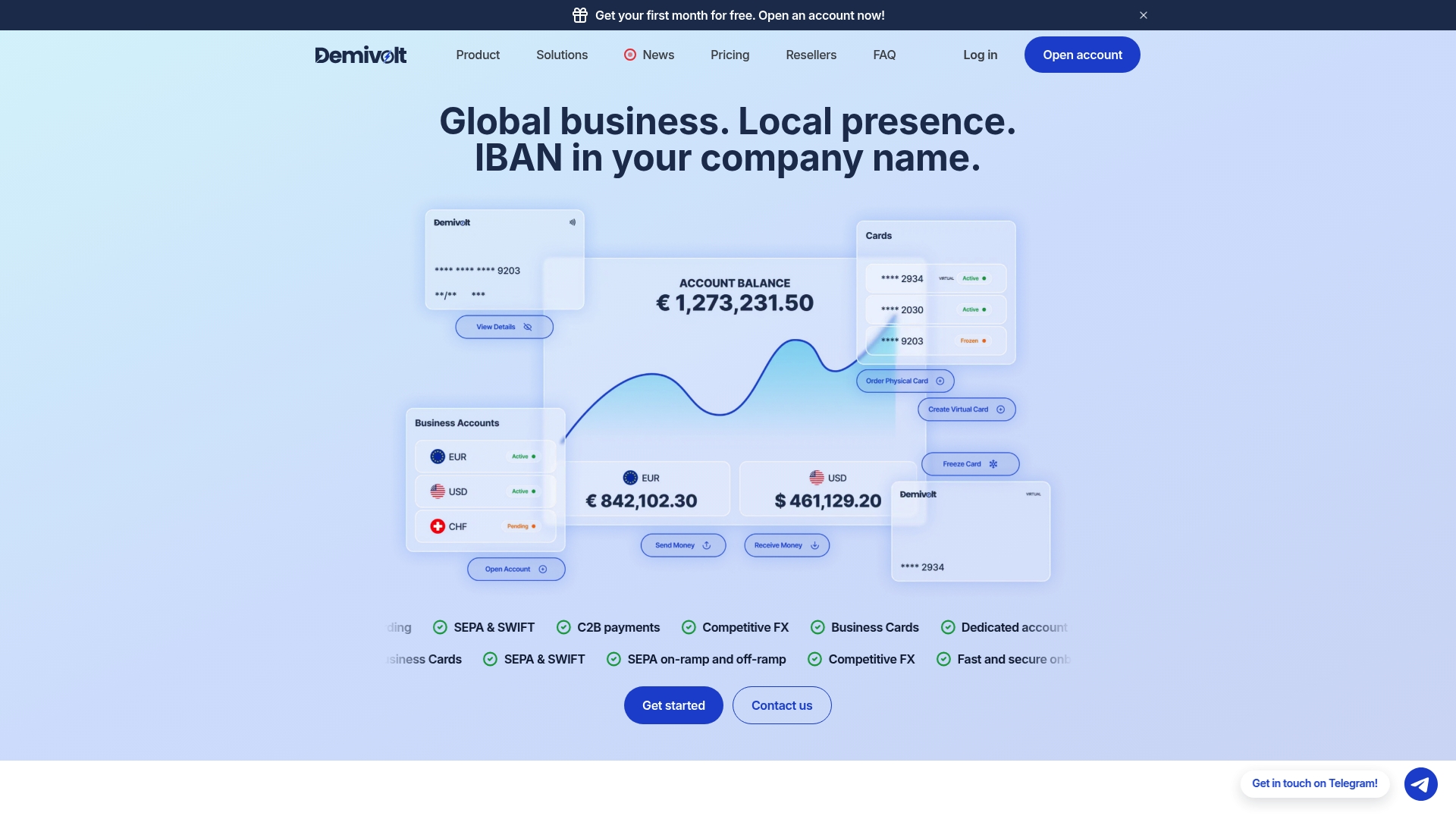
If you’re managing multiple entities or currencies, Demivolt’s multi-account structure and role-based user management let you centralize statement access instead of chasing exports across separate banking portals. Every IBAN you validate before import can be checked instantly against ISO 13616 formatting using the free IBAN validator, which catches formatting errors before they cause a failed match. Segregated client funds and audit-ready account activity help provide compliance teams with a clear paper trail alongside the statement data itself.
If you’re planning a CAMT.053 pilot, request a sample export from your banking provider’s onboarding team and test it against your accounting software before switching your full workflow over.
Where to Verify These Standards Yourself
- Banko sąskaitų išrašų importas ir operacijų sudengimas covers the practical import and reconciliation workflow in detail.
- The LBA conversion guidelines document field mapping and length limits for ISO 20022 implementation.
- Vadyba breaks down API, XML, and CSV import methods.
- For payment rail context, see Demivolt’s guide to SEPA payments and payment reconciliation.
Sources
- Itax
- Lba
- Vadyba
- MT940 vs CAMT.053: differences and which one to choose - StatementBridge
- MT940 vs CAMT.053: Guide to Bank Statement Migration & Automation – TreasuryEase