

TL;DR:
- Creating a virtual business card simplifies seamless networking and enhances compliance for SMEs.
- Proper preparation, accurate data, and regular audits ensure professional presentation and legal adherence.
Picture this: you’re at a European trade event, you’ve had a great conversation with a potential partner, and then you reach into your jacket for a business card. The stack is either at the office, out of date with your new role, or simply not available. That moment of friction can cost you a real opportunity. Beyond the embarrassment, paper cards create operational blind spots: they’re impossible to update, they leave no audit trail, and for SMEs operating in regulated financial environments, they offer zero compliance value. This guide walks you through everything you need to set up a virtual business card correctly, from gathering the right assets to verifying compliance and sharing your card securely.
Table of Contents
- What you need before creating a virtual business card
- Step-by-step: Creating and customizing your virtual business card
- Sharing, integrating, and using your card securely
- Verification and compliance: Avoiding common mistakes
- A fresh perspective: Why most SME card setups fail (and what works)
- Integrate smarter virtual business card solutions with Demivolt
- Frequently asked questions
Key Takeaways
| Point | Details |
|---|---|
| Prepare required info | Gather all contact, company, and social details before starting setup. |
| Customize and secure | Design your card to match your brand and use privacy options for protection. |
| Share responsibly | Use QR codes or wallet integration but always review sharing permissions. |
| Stay compliant | Schedule regular audits to keep all virtual cards compliant with regulations. |
What you need before creating a virtual business card
Now that you know why virtual cards matter, let’s make sure you have everything required before you start the setup process.
Setting up a virtual business card is simpler than most SME owners expect, but skipping preparation creates avoidable problems later. A digital business card is typically set up by creating a card profile with contact details, customizing the design, and then publishing a shareable link or QR code. That three-step description sounds easy, but each phase has dependencies that can slow you down if they’re not ready in advance.
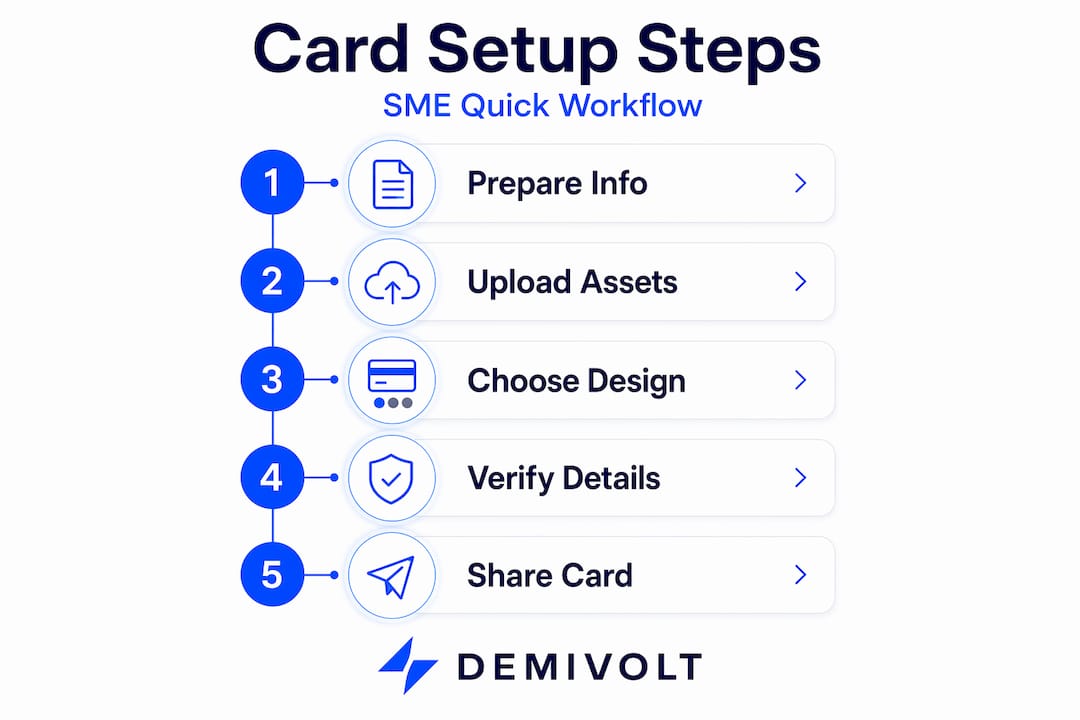
Information to gather first
Before you open any platform, collect the following:
- Full legal business name and trading name (if different)
- Company registration number and registered address
- Primary contact email and direct phone number
- LinkedIn profile URL, company website, and any relevant social handles
- Your professional title and department
- A short bio (50 to 80 words) that describes your role
For finance professionals and regulated industries in Europe, accuracy here is non-negotiable. Clients and partners will check this information against official records, especially during KYC (Know Your Customer) onboarding processes.
Digital assets you need ready
Your logo and profile photo should be prepared before you log in to any platform. Most digital card tools accept JPEG or PNG files. The ideal logo size is at least 400 x 400 pixels with a transparent background where possible. Your profile photo should be a clean, professional headshot at a minimum of 600 x 600 pixels. Blurry or pixelated assets make even a well-configured card look unprofessional, which matters when you’re trying to establish trust with new business contacts.

Pro Tip: If you manage a team, create a shared folder with approved brand assets, standardized bios, and role templates. This ensures consistency across all employee cards and eliminates back-and-forth during bulk setup.
Device and account compatibility
Most virtual business card platforms work on desktop, iOS, and Android. Check that your chosen platform supports NFC sharing if that feature is important to you. Some enterprise tools require administrator access to manage team cards, so confirm whether your account tier allows multi-user management before you commit.
The benefits of virtual business cards extend well beyond replacing paper, particularly when the card is tied to a broader compliance and financial workflow.
Compliance basics to review upfront
For SMEs in regulated industries, the card profile is a public-facing document. That means it needs to meet the same accuracy standards as your company letterhead. Avoid including personal mobile numbers or email addresses that aren’t monitored. Double-check that your title reflects your actual authorized role.
| Requirement | Details | Compliance notes |
|---|---|---|
| Business name | Legal name plus trading name | Must match registration records |
| Contact email | Company domain email only | No personal Gmail accounts |
| Logo | High-resolution PNG or JPEG | Approved brand version only |
| Profile photo | Professional headshot, 600px+ | No informal images |
| Role and title | Accurate to authorization | Match official company records |
| Social links | Verified company profiles only | No unofficial accounts |
| Privacy settings | Controlled data visibility | GDPR-reviewed before publish |
Step-by-step: Creating and customizing your virtual business card
With everything in hand, you’re ready to create and configure your digital card. Here’s how to do it step by step.
The business card setup steps vary slightly by platform, but the core workflow is consistent across most tools. Some virtual business card products use a card/portal model where activation and settings are done via registration, login, and an activation code, followed by profile data entry and design or security configuration.
-
Register or log in to your chosen platform. Use your company email address, not a personal one. This ties the account to your business identity from day one and simplifies admin access later.
-
Enter your activation code if required. Some enterprise platforms and branded card programs issue activation codes when cards are distributed to team members. This code links your individual card to the company account, enabling centralized management and updates by an administrator.
-
Complete your profile with accurate business information. Fill in every field. Incomplete profiles look unprofessional and, in regulated sectors, can raise red flags during due diligence checks by partners or clients. Use the information you gathered in the preparation phase.
-
Upload your logo and profile photo. Use the approved assets from your shared folder. Some platforms let you set a cover banner as well. This is useful for adding your company tagline or a visual that matches your website’s design language.
-
Set your card’s design and color scheme. Match your brand guidelines. Use the exact hex codes (numerical codes that specify colors) from your brand style guide. If you don’t have a brand style guide, keep it simple: one primary color, clean typography, and no visual clutter.
-
Configure privacy and security settings. Decide which fields are publicly visible and which require a request. For financial professionals, limiting phone number visibility to verified contacts is a sensible default. Enable NFC lock if available, which prevents unauthorized tap-sharing.
-
Preview and publish. View your card as a recipient would before sharing it. Check for typos, broken links, and misaligned images. Once satisfied, publish and generate your QR code and shareable link.
Pro Tip: Choose design elements that reflect your brand’s visual identity and maximize scannability. High contrast between background and text, along with a clean QR code without decorative overlays, significantly improves scan success rates in low-light environments like networking events or conference rooms.
Sharing, integrating, and using your card securely
Once your card is live, it’s time to make it useful and maintain compliance as you share it.
Cards can be shared via QR code, NFC tap, or personalized links, and wallet integration is increasingly common across modern platforms. Each method suits different contexts, and understanding when to use each one helps you present yourself professionally in every situation.
| Sharing method | Best use case | Security level | Setup effort |
|---|---|---|---|
| QR code | In-person events, printed materials | Medium | Low |
| NFC tap | One-on-one meetings, trade shows | High | Medium |
| Personalized link | Email signatures, proposals, LinkedIn | Medium | Low |
| Mobile wallet integration | Ongoing client contact, quick access | High | Medium |
Onboarding team members and clients securely
When rolling out virtual cards across a team, use the administrator panel to create standardized templates. Assign each team member a role-based profile so their card reflects their actual authorized position. This is particularly relevant for networking with virtual cards in client-facing or compliance-sensitive roles, where misrepresenting a title or authority level can create legal exposure.
For client-facing use, instruct team members to use the personalized link method when sending cards via email or document packages. This keeps sharing trackable and professional.
Security tips and privacy controls to implement
- Restrict visible phone numbers to confirmed contacts only
- Disable public indexing of your card if your platform offers this option
- Review which team members have admin rights to edit and republish cards
- Use platform analytics to monitor who has viewed or scanned your card
- Revoke access immediately when an employee leaves the organization
- Enable two-factor authentication (2FA) on your card management account
Compliance reminder: Audit your card sharing permissions at least once per quarter. GDPR requires that personal data visible on any public-facing business profile is accurate, minimal, and properly consented to. A card that was set up correctly six months ago can fall out of compliance if roles change, team members leave, or contact information is no longer accurate.
Verification and compliance: Avoiding common mistakes
Now that your card is in use, stay compliant and avoid pitfalls with these verification tips.
Security and compliance should be checked in virtual business card setup, especially for financial SMEs. The good news is that most compliance failures are preventable. They tend to come from the same small set of avoidable oversights.
Common errors that create compliance problems
- Publishing a card with an incomplete address or unverified phone number
- Using a personal email address instead of a company domain email
- Including a title that doesn’t match your authorized role in company records
- Uploading an outdated logo version that conflicts with current brand guidelines
- Setting card visibility to fully public when the industry or role requires restricted sharing
- Forgetting to update cards when team members change roles or leave the organization
- Skipping the privacy review entirely and using default platform settings
Routine compliance checklist
Use this at publish time and during quarterly audits:
- [ ] All contact details verified against company records
- [ ] Professional email address from company domain confirmed
- [ ] Role and title match authorized position
- [ ] Logo is the current approved version
- [ ] Privacy settings reviewed and adjusted for role sensitivity
- [ ] Social media links point to verified, active company profiles
- [ ] Old or inactive team member cards deactivated
Research into business profile management consistently shows that the majority of compliance issues in digital profiles stem from incomplete or outdated setup, particularly around role descriptions and contact information visibility. For SMEs operating under EU financial regulations, this is not a minor administrative issue. Regulatory bodies expect a clean, accurate, and auditable trail of how your business presents itself to clients and partners.
Reviewing digital client onboarding compliance practices alongside your card setup is a smart move, particularly if your team uses virtual cards during client acquisition or KYC processes. Similarly, verifying business card compliance as part of your broader account verification workflow ensures nothing falls through the gaps during audits.
A fresh perspective: Why most SME card setups fail (and what works)
You’ve covered the core workflow, but it’s worth stepping back to see what separates effective setups from the rest.
Most virtual business card projects inside SMEs don’t fail because of technical problems. They fail because someone treats it like a one-person task and moves on. A single person creates their card, shares it a few times, and then the initiative stalls. Other team members never set up their own cards. The company’s presentation remains inconsistent. Compliance issues accumulate quietly in the background.
The most effective rollouts we’ve seen treat virtual card adoption the same way they treat any other process change: with a clear owner, a defined workflow, and scheduled reviews. That sounds formal for something as simple as a contact card, but it reflects the reality that a virtual business card is your company’s digital front door. If it’s outdated or inconsistent, it tells clients and partners something about how you run your operations.
The biggest missed opportunity is skipping staff buy-in. When team members understand why virtual cards matter, specifically that they reduce compliance risk, improve client impressions, and eliminate the hassle of reprinting paper cards after every role change, adoption follows naturally. When they’re just told to fill in a form and move on, they do the minimum and nothing more.
A process-driven rollout works far better than a solo setup. Assign an internal point of contact who owns the card program. Create templates so that new hires can get a compliant card within their first week. Build the compliance audit into your existing quarterly review schedule rather than treating it as a separate task.
Pro Tip: Schedule a quarterly calendar reminder to review all active employee cards. Check for role changes, departed staff, updated contact information, and any platform security updates. Fifteen minutes per quarter prevents months of accumulated compliance drift.
The overcome card setup pitfalls mindset is about treating your virtual card program as a living system, not a one-time task. The companies that get real value from this tool are the ones that maintain it with the same diligence they apply to their financial records.
Integrate smarter virtual business card solutions with Demivolt
For SMEs ready to take the next step in financial management, integrating banking and card solutions unlocks even greater value.
Virtual business cards are only one piece of the operational puzzle. When your card infrastructure is connected to a compliant financial platform, the entire experience becomes more powerful and more auditable. Managing team access, controlling spending limits, and maintaining an accurate compliance trail all become significantly easier when they share a single system.
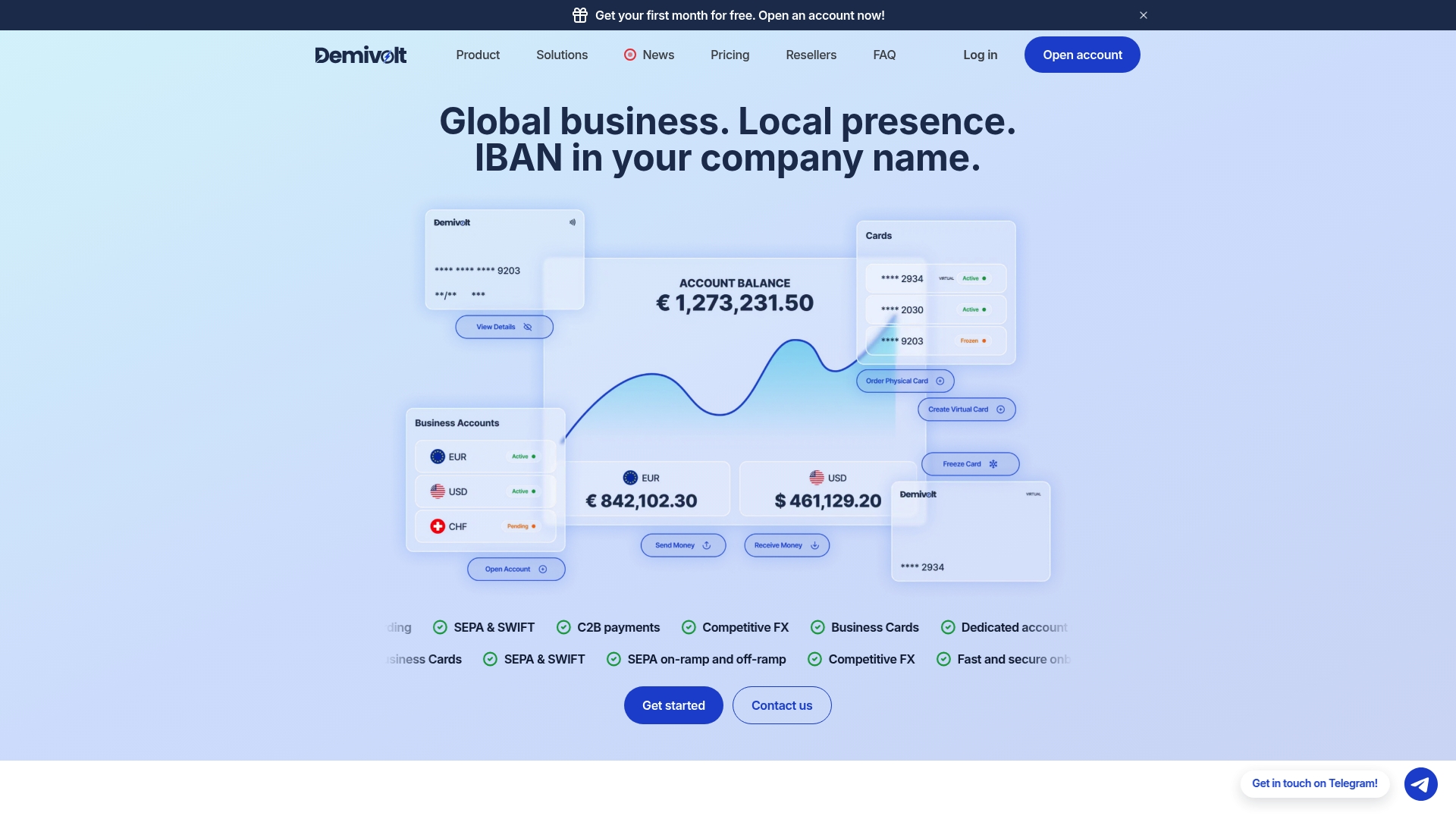
Demivolt’s business banking platform brings together IBAN accounts, SEPA and SWIFT payments, virtual and physical expense cards, and role-based user management into one regulated environment. SMEs operating across European markets can manage both their client-facing identity and their financial workflows from a platform that’s built to meet EU regulatory standards. Whether you’re onboarding a new client, managing team expenses, or running compliance audits, Demivolt gives you the infrastructure to do it cleanly and confidently. Explore how Demivolt’s card and banking solutions can simplify your next step.
Frequently asked questions
What’s the difference between a virtual business card and a payment virtual card?
A virtual business card is used to share contact and professional information digitally, while a payment virtual card is used to authorize financial transactions. The two serve entirely different purposes, and their setup workflows are completely separate.
Can I integrate a virtual business card into my mobile wallet?
Yes, many platforms support adding a digital business card to mobile wallets such as Apple Wallet or Google Wallet for quick sharing. Wallet integration is an optional feature that varies by platform and plan tier.
Is a virtual business card GDPR compliant?
A virtual card can be fully GDPR compliant when set up with correct privacy settings, minimal personal data visibility, and regular audits. Compliance should be reviewed at publish time and routinely after any team or role changes.
How do I update my virtual business card after initial setup?
Log in to your digital business card platform, navigate to your profile settings, make the necessary edits, and the updated information is instantly reflected in your existing link or QR code. Profile data and security settings can be modified at any time without generating a new shareable link.
Recommended
- Demivolt | Blog – How to issue business cards for SMEs: a step-by-step guide
- Demivolt | Blog – Virtual business cards for smarter networking and finance
- Demivolt | Blog – Business account verification: compliance and efficiency for SMEs
- Demivolt | Blog – How to manage multiple accounts: A step-by-step guide for SMEs